
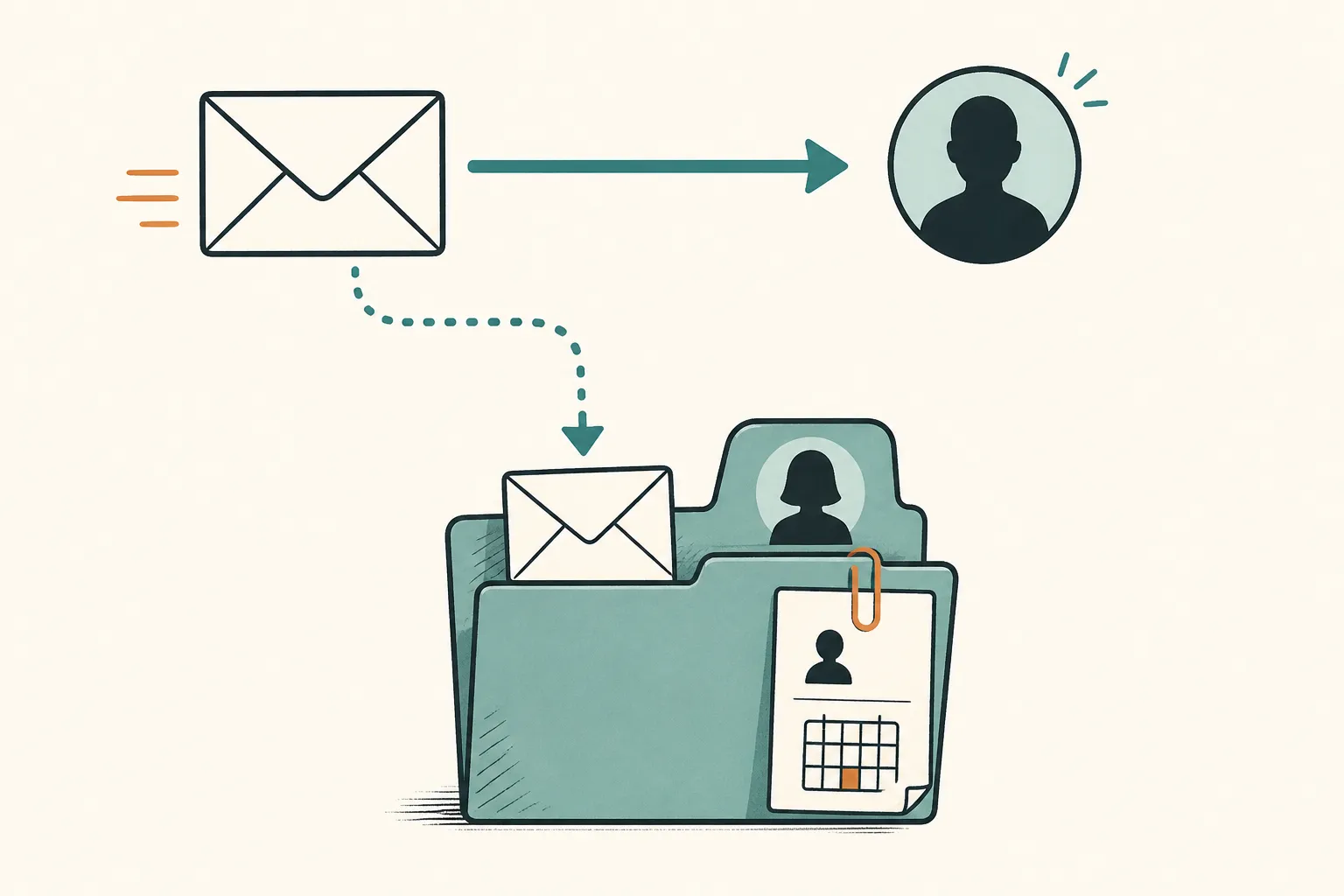
To log a customer email in a CRM using BCC, add your CRM’s email dropbox address to the BCC field before sending. If your CRM supports them, CC and forwarding are alternatives. Then open the customer’s contact record and check that the message arrived.
Sending the copy is only part of the job. You also need to confirm where it landed and assign any follow-up the conversation requires.
How a CRM email dropbox works
An email dropbox is an address your CRM provides for logging messages. You keep writing in your usual email app and send a copy of a relevant message to that address.
This is selected-message logging, not mailbox sync. Logging one email does not mean the CRM will capture the rest of your mailbox or future replies.
For example, Nudge provides one workspace email dropbox address. You can CC, BCC or forward emails to it to log them on the matching contact. It also supports approved senders and a review queue for unmatched emails. If you use another CRM, check which of those capabilities it supports before following the walkthrough below.
Log a customer email step by step
Suppose a customer, Morgan, has asked for a revised proposal. You want your reply recorded so a teammate can see what you promised without searching your mailbox.
Use a message without sensitive information for your first test.
Find the dropbox address and check your sending address
Consult your CRM’s current help documentation for its email logging or dropbox address. Copy the address rather than guessing its format. If you cannot find it, ask your workspace administrator or the product’s support team.
Next, check whether the CRM requires an approved sender. Confirm that the address you will actually send from is approved. If your email app lets you choose between a personal address, a shared address and an alias, check the From field before sending.
Before the test, confirm:
- You have the dropbox address for the intended workspace.
- Your chosen sending address meets the CRM’s sender requirements.
- You know which customer contact should receive the logged message.
- The message is appropriate to store in your team’s CRM.
Use the product’s current instructions for sender approval and contact matching. The procedure can differ between CRMs, so do not assume a familiar settings label or matching rule applies.
Send a test email with CC or BCC
Compose the email as usual and put the copied dropbox address in BCC. Here is a fictional example. The bracketed text is a placeholder, not an address to send to.
To: Morgan’s customer email address
BCC: [paste your workspace email dropbox address]
Subject: Revised proposal for the venue projectHi Morgan,
Thanks for clarifying the scope. I’ll send the revised proposal by 24 November 2026, including the updated installation schedule.
Priya
If you want the logging address visible to recipients, use CC instead, where supported. You do not need to put the dropbox in both fields.
For a message you have already sent or received, use forwarding if your CRM supports it. Inspect the content before forwarding, including quoted history and attachments, and check that it is appropriate to record under your company’s practices.
A forwarded message may need review rather than matching automatically. Verify its destination just as you would for a new message.
Check the contact record and troubleshoot a missing email
Open the intended customer contact in the CRM and look for the message in its recorded email history or activity timeline, as applicable. Confirm that it is the right message on the right contact. Check the sender and message content rather than relying on the subject line alone.
If you cannot find it, work through these checks:
| Check | What to confirm | | --- | --- | | Sent message | The message was sent with the dropbox address included, or was forwarded to it. | | Dropbox address | The address matches the one provided for your intended workspace. | | Sending address | The actual From address is approved, if approval is required. | | Intended contact | You are looking at the correct contact and its recorded email address. | | Unmatched-email queue | If available, check whether the message is awaiting review. |
Inspect the unmatched-email queue before sending repeated copies. Follow the product’s current instructions to resolve an unmatched message. Do not assume that creating a contact or changing an email address will move an existing message automatically.
If the message is still missing, check the CRM’s documented processing guidance or contact support. Keep the sender, recipient, subject and sending time handy so you can describe the test precisely.
CC versus BCC: recipient visibility and CRM access
CC addresses are visible to recipients. An address placed in BCC is hidden from the other recipients. Google’s Gmail Help explains this distinction in its guidance on adding recipients: people receiving a message do not see addresses added in BCC. See source 1 below.
Putting a CRM dropbox in CC therefore lets the customer see that address; putting it in BCC keeps it out of the recipient list they see. BCC does not make the logged message private inside the CRM.
Who can read the stored email depends on your CRM’s access controls and workspace configuration. Check those permissions separately rather than assuming that everyone, or only you, can see it. Access rules for contacts, deals and pipelines may also differ.
Before logging customer information, check your company’s privacy and information-handling practices. The UK Information Commissioner’s Office describes data minimisation as keeping personal data adequate, relevant and limited to what is necessary for its purpose. See source 2 below. Applied to email logging, that means reviewing quoted history and attachments rather than copying an entire conversation by default. This is a handling precaution, not a complete statement of your legal obligations.
If you are unsure whether a message belongs in a shared CRM, resolve that question before sending it to the dropbox.
Do later replies, full threads and attachments get logged?
Do not assume they do. A successful test proves that the tested message reached the intended record. It does not prove that later replies, the complete conversation or every attachment will be captured.
Check your CRM’s documentation for each case. Establish whether you need to add the dropbox again when you reply, how to log a customer’s response that arrives only in your mailbox, and what happens to attachments.
Quoted text inside one message is not evidence that the CRM has separately recorded each earlier email. When a later message changes a deadline, scope or approval, log that relevant message as needed and verify it too.
Give the conversation an owner, next action and due date
Once the email is on the right contact, record the work it commits you to. Logging the message is not the same as creating a follow-up.
For the fictional proposal exchange, enter an owner, next action and due date:
| Field | Example | | --- | --- | | Owner | Priya | | Next action | Send Morgan the revised proposal with the updated installation schedule. | | Due date | 24 November 2026 |
“Follow up with Morgan” leaves a teammate guessing. The specific action tells them what needs to be sent.
In Nudge, every deal has an owner, a next action and a due date. Next actions are also available on contacts and businesses. The Today list shows overdue tasks, tasks due today and tasks due this week, plus a view of the team’s tasks. Add the action yourself rather than assuming the logged email creates it.
Before leaving the contact record, check that the saved action names the person responsible, describes the promised work and uses the deadline agreed in the email.
Sources
- Google Gmail Help, “Send or unsend Gmail messages,” recipient guidance under “Add recipients.” Primary documentation for CC and BCC visibility. URL:
https://support.google.com/mail/answer/281948 - UK Information Commissioner’s Office, “Principle (c): Data minimisation.” Regulatory guidance supporting the recommendation to limit stored customer personal information to what is needed. URL:
https://ico.org.uk/for-organisations/uk-gdpr-guidance-and-resources/data-protection-principles/a-guide-to-the-data-protection-principles/data-minimisation/
See also a teammate can see what you promised.